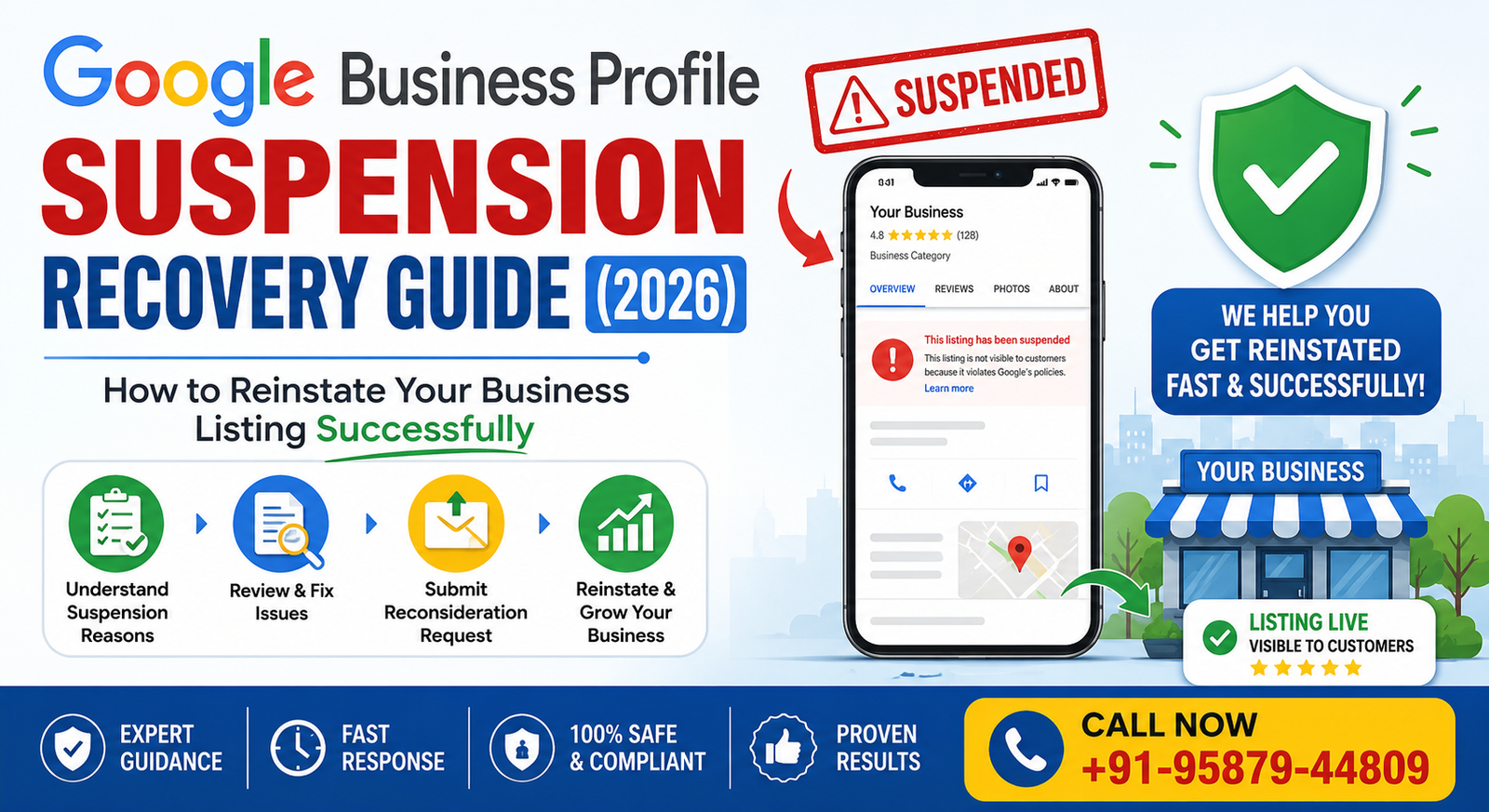
You open your dashboard one morning and your listing is just… gone. No map pin, no reviews, nothing. If you run a local business, that’s a gut-punch moment, and honestly, it’s happening to more owners than ever in 2026 as Google tightens its spam filters. The upside is that most suspensions can be fixed. This guide covers exactly how Google Business Profile Suspension Recovery works and what you need to do to get your listing back.
What Is a Google Business Profile Suspension?
Put simply, it’s Google pulling or restricting your listing because it suspects a guideline violation. There are two flavors — soft and hard — and figuring out which one you’re dealing with changes your whole approach to recovery. Google’s system leans heavily on automated detection, catching things like odd business names, mismatched addresses, or a burst of unusual edits.
Soft Suspension vs. Hard Suspension
A soft suspension still shows your business on Search and Maps, but you can’t touch your dashboard. Annoying, but usually quick to resolve. A hard suspension is the bigger problem — your listing vanishes entirely. No calls, no map ranking, no visibility. Getting reinstated after a hard suspension usually means a formal appeal with documents, and that’s where a proper Google Business Profile Suspension Recovery strategy actually matters.
Why Profiles Get Suspended
A few culprits show up again and again:
- Keyword stuffing in your business name (like “Best Plumber 24/7 Delhi”)
- Fake or virtual addresses instead of a real operating location
- Duplicate listings for the same business
- Wrong categories that don’t match what you actually do
- Suspicious edits — too many changes, too fast
- Inconsistent NAP (name, address, phone) across the web
- Policy violations of any kind
- Competitor spam reports, which happen more than people realize
How Do You Know You’ve Been Suspended?
- You got a warning email from Google
- Your listing disappeared from Search or Maps
- You can’t edit your profile anymore
- Calls and direction requests dropped suddenly
- You’re missing from local map rankings
- Your dashboard literally says “Suspended”
Two or more of these? Start your Google Business Profile Suspension Recovery process today, not next week.
Step-by-Step Recovery Process
- Read Google’s guidelines properly. You can’t fix what you don’t understand.
- Find the actual reason. Check emails, dashboard alerts, your edit history.
- Fix everything, not just the obvious stuff. Half-fixes get rejected.
- Gather your documents. This is where Google Business Profile verification comes in — think GST certificate, business registration, a utility bill, shop license, office photos, your signboard, and your website.
- Submit the reinstatement request. Fill out the Business Profile reinstatement form with your correct business name, address, and phone number, plus a clear explanation of what went wrong and how you fixed it. Response times vary — sometimes days, sometimes a couple of weeks.
- Follow up, politely. If nothing happens in a reasonable window, reach out through Google Business Profile support. Staying calm actually helps here.
Documents You’ll Likely Need
GST registration, business license, a recent utility bill, rental agreement, company registration papers, tax documents, office photos, a photo of your exterior signboard, your website, and links to your social profiles. Having all of this ready before you file saves you a lot of back-and-forth.
How Long Does Reinstatement Actually Take?
There’s no single answer. Soft suspensions can clear up in a few days once you’ve made corrections. A full Google Business Profile suspension appeal for a hard suspension can take one to four weeks, sometimes longer if your documents are incomplete. If you get rejected once, don’t just resubmit the same thing — read the feedback, fix that specific issue, then try again.
Mistakes That Slow Everything Down
- Filing appeal after appeal without changing anything
- Submitting fake or altered documents (this can get you permanently banned)
- Editing your listing while it’s under review
- Ignoring the real violation and hoping it sorts itself out
- Sticking with a virtual office address
- Still keyword-stuffing your business name
- Picking too many or the wrong categories
- Accidentally creating duplicate listings mid-process
Preventing Future Suspensions
- Actually follow Google’s guidelines
- Keep your NAP details identical everywhere online
- Don’t edit your listing unless you need to
- Use real, verifiable business info
- Keep hours updated, especially around holidays
- Upload genuine, unedited photos
- Check your profile regularly for changes you didn’t make
- Reply to reviews, good and bad
- Get ownership verification right the first time
Is Professional Help Worth It?
Honestly, in most cases, yes. A good recovery service diagnoses the real problem faster, keeps you compliant, organizes your documents properly, and writes a stronger appeal — all of which lowers your rejection odds. It also protects your Local SEO rankings, which quietly erode the longer your listing stays down.
Why Work With Digital Socialite
We’ve helped businesses across different industries through this exact process. What you get working with us:
- Specialists who actually know Google’s guidelines, not just the basics
- Full support from diagnosis through appeal
- Profile optimization once you’re reinstated
- Real Local SEO expertise to rebuild lost rankings
- Careful document review before anything gets submitted
- Honest, transparent communication throughout
- No fake documents, no shortcuts — just an ethical process
- Ongoing profile management so this doesn’t happen again
If your listing’s down right now, get in touch with Digital Socialite for a free profile audit. We also handle Local SEO and Google Business Profile Optimization if you want to strengthen your presence after you’re back online.
Read Also :- Local SEO: Effective Strategies, Benefits and many more
Frequently Asked Questions (FAQs)
Q.1 Why was my profile suspended?
Ans.Usually a guideline violation — wrong address, keyword stuffing, duplicate listings, or a competitor’s spam report.
Q.2 Can a permanently suspended profile come back?
Ans.Sometimes, depending on how serious the violation was and whether your appeal is strong.
Q.3 How long does reinstatement take?
Ans.Days for soft suspensions, up to a few weeks for hard ones.
Q.4 What documents do I need?
Ans.GST registration, business license, utility bills, and photos of your storefront and signboard, at minimum.
Q.5 Should I just create a new listing?
Ans.No — that usually gets flagged as a duplicate and makes things worse.
Q.6 What’s the difference between soft and hard suspension?
Ans.Soft keeps you visible but locks editing; hard removes you from Search and Maps completely.
Q.7 Does this hurt my local SEO?
Ans.Yes, significantly — no visibility means no rankings, no calls, no traffic.
Q.8 Can competitors actually report me?
Ans.Yes, and it happens more often than most owners expect.
Q.9 Is paying for recovery help worth it?
Ans.For most businesses, yes — it’s faster and lowers your rejection risk.
Q.10 How do I avoid this happening again?
Ans.Consistent NAP info, genuine business details, and regular profile monitoring.
Final Thoughts
A suspended listing is stressful, but it’s usually fixable. Find the real reason, correct it properly, and submit a complete, honest appeal with the right documents. If it feels like too much to handle alone, Digital Socialite can walk you through the entire Google Business Profile Suspension Recovery process and get you back where customers can actually find you.